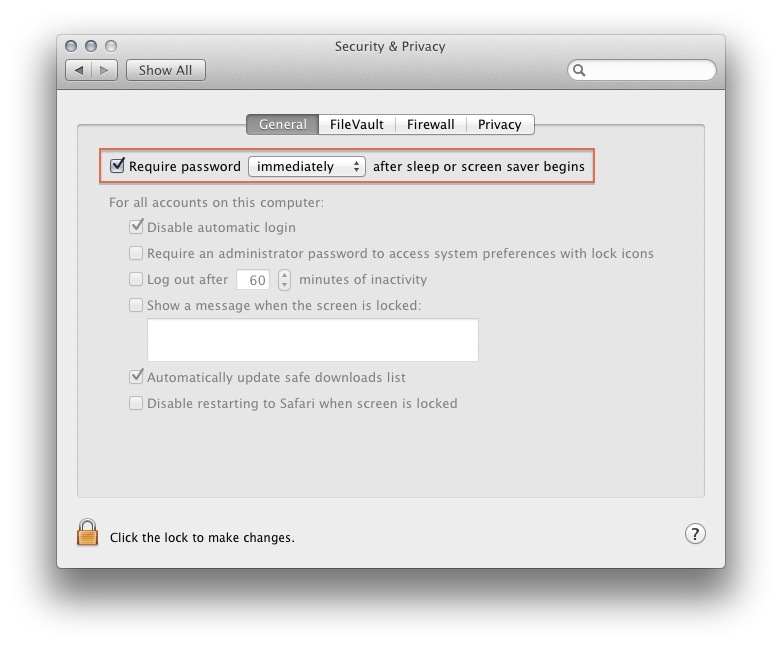
Lock the Screen in Mac OS X By adminMarch 13, 2013mac, operating systems, security Launch “System Preferences” Click on “Security & Privacy” (“General” tab) Check “Require password after sleep or screen saver begins” Exit out of System Preferences